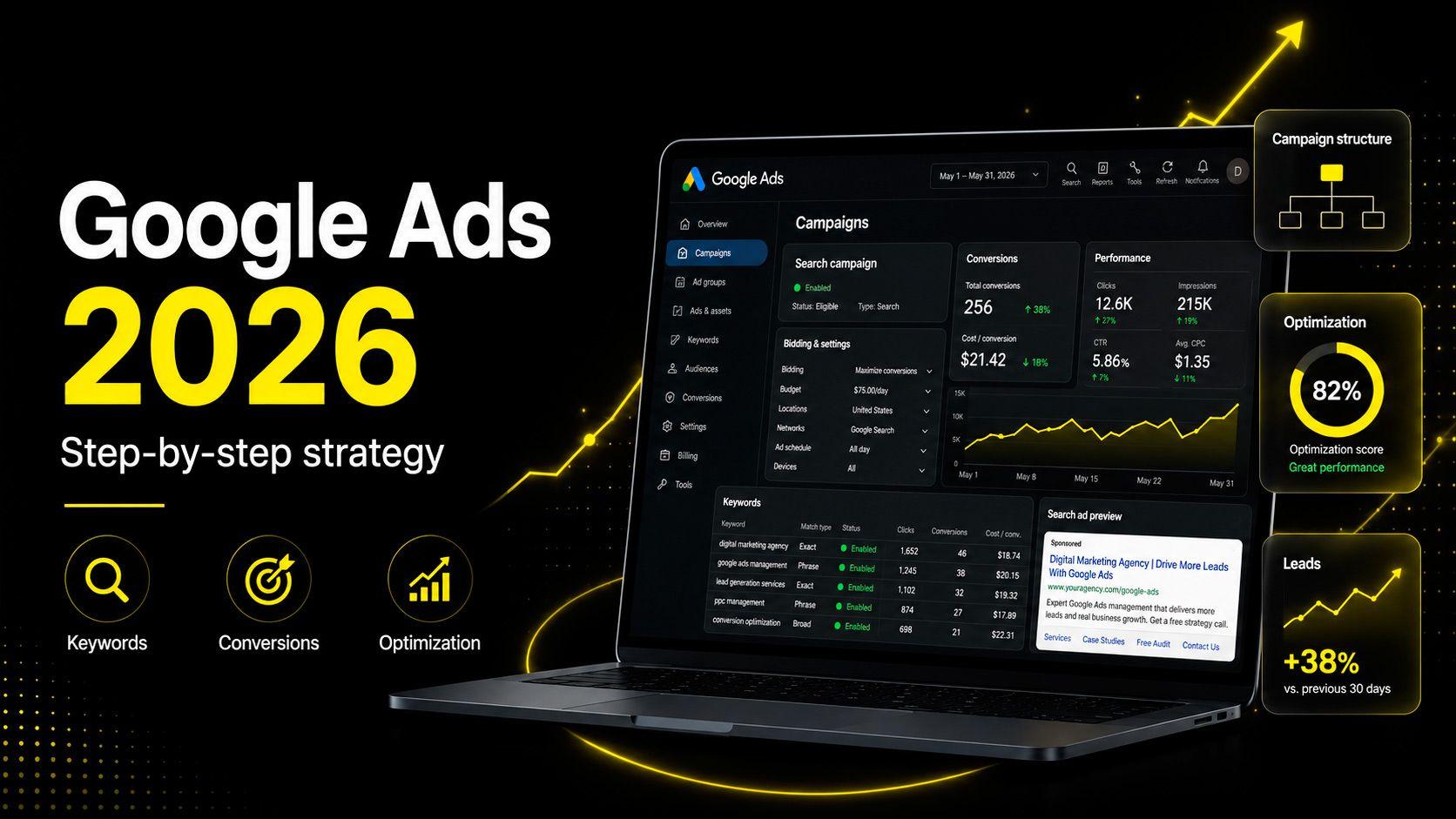
Google Ads Setup in 2026: A Step-by-Step Strategy for Business
май 29, 2026
•
8 minutes
Content
Introduction
Why Google Ads in 2026 Requires a Systematic Approach
Step 1. Define Advertising Campaign Goals
Step 2. Prepare Your Website or Landing Page
Step 3. Set Up Analytics and Conversions
Step 4. Study the Audience and Customer Journey
Step 5. Build Semantic Core and Negative Keywords
Step 6. Plan Account Structure
Step 7. Choose the Right Campaign Types
Step 8. Prepare Ads and Offers
Step 9. Define Budget and Bidding Strategy
Step 10. Launch and Continuously Optimize Campaigns
Common Google Ads Mistakes
Which Metrics Matter
How VUCA Digital Studio Helps Businesses with Google Ads
Conclusion
Introduction
In 2026, Google Ads setup is no longer a task of “choosing keywords, writing ads, and launching campaigns.” The platform increasingly relies on artificial intelligence, automated strategies, and user behavior data. This means that the quality of preparation — website, analytics, and account structure — now matters just as much as the ads themselves.
In this article, we will break down step by step how to approach Google Ads setup for business so that advertising generates not just clicks, but measurable results: leads, calls, sales, and a predictable cost per lead.
Why Google Ads in 2026 Requires a Systematic Approach
Google PPC advertising becomes more complex every year. Google Marketing Live 2026 reinforced the move toward maximum automation: AI Max now extends search campaigns beyond assigned keywords, Performance Max gained more transparent reporting and new signals, and Demand Gen strengthened commerce functionality directly inside YouTube. All automated algorithms rely on the data they receive from your account and website.
The main conclusion is simple: Google Ads without analytics, properly configured conversions, and a prepared website in 2026 will almost certainly waste budget. The algorithm simply has nothing reliable to work with. PPC setup has fully evolved into performance marketing: strategy, technology, data, and ongoing optimization.
Step 1. Define Advertising Campaign Goals
Before launching Google Ads, answer one simple question: what counts as a result? A form submission, incoming call, completed order, registration, booking request, quote inquiry, or message in a messenger — each business has its own set of target actions.
Clicks and impressions are not enough. It is essential to understand lead cost, sales conversion rate, and advertising profitability. Without these benchmarks, it is impossible to evaluate performance or allocate budget effectively.
Step 2. Prepare Your Website or Landing Page
Google Ads for business only works when connected to a website. If the landing page loads slowly, performs poorly on mobile, or does not match the user’s intent, no PPC campaign will save it.
Before launch, check:
– loading speed
– proper mobile version
– clear offer above the fold
– working forms and contact buttons
– reviews and case studies
– trust elements
– alignment between landing page content and ad query
The higher the website quality, the cheaper the click and the higher the Quality Score.
Step 3. Set Up Analytics and Conversions
Google Analytics 4 together with Google Tag Manager is the foundation. Without them, you will not see which campaigns, keywords, and ads generate leads.
Track both macro conversions (lead, purchase, call) and micro conversions (phone click, messenger click, page scroll, time on site). Send conversions into Google Ads — automated strategies learn from this data. Conversion errors in 2026 are expensive: the algorithm optimizes campaigns using incorrect signals and wastes budget.
Step 4. Study the Audience and Customer Journey
Before collecting keywords, understand your customer. Who are they? How do they make decisions? What objections do they have? What queries do they use in Google? Which funnel stage are they in: researching, comparing, choosing a provider, or ready to submit a request?
These answers determine campaign structure, ad messaging, and which offers you show at each stage. Google Ads for leads works when messaging matches user intent.
Step 5. Build Semantic Core and Negative Keywords
Keywords are the foundation. For Google Ads lead generation, four groups usually work:
– commercial keywords (“order,” “buy,” “price,” “cost”)
– branded keywords (your company name and variations)
– competitor keywords
– informational keywords (for warming audiences and remarketing)
Do not forget negative keywords. Without them, ads appear for irrelevant queries such as “free,” “DIY,” “jobs,” or “employee reviews,” wasting budget. Negative keyword lists should grow continuously based on real search queries inside the account.
Step 6. Plan Account Structure
One campaign for all services is a common and expensive mistake. A logical structure means separate campaigns by:
– service
– region
– language
– funnel stage
This provides reporting transparency, more precise budget control, and better algorithm learning.
Each ad group should lead to its own landing page with content relevant to the offer. This directly impacts Google Ads lead cost and overall profitability.
Step 7. Choose the Right Campaign Types
In 2026, available formats include Search campaigns (often enhanced with AI Max), Performance Max, Display, YouTube, Demand Gen, and remarketing.
Search — captures high-intent users already looking for your service.
Performance Max — scaling and automated distribution across Google channels.
Display — reach and brand awareness.
YouTube and Demand Gen — audience warming and interest generation.
Remarketing — bringing back visitors who already interacted with your website.
There is no universal solution. Choice depends on niche, budget, website readiness, data volume, and business goals. For one project, “Search + Remarketing” may work best; for another, “Performance Max + YouTube.”
Step 8. Prepare Ads and Offers
An ad must align with three things:
– user query
– landing page content
– actual business offer
Headlines should contain:
– keyword
– specific benefit
– clear call to action
Descriptions should communicate:
– offer
– advantages
– answers to common objections
– trust and reassurance
Use all available extensions:
– callouts
– sitelinks
– images
– phone extension
– lead forms
Test multiple headlines and descriptions in each ad group — algorithms need material to identify the best combination.
Step 9. Define Budget and Bidding Strategy
The minimum testing period is 2–4 weeks with enough budget to accumulate conversion data. Too small a budget prevents algorithm learning and makes testing meaningless.
Manual strategies still exist in 2026 but increasingly give way to automation:
– Maximize Conversions
– Target CPA
– Target ROAS
Automated strategies work under two conditions:
– sufficient conversion volume
– properly configured conversions
Without these, algorithms make decisions blindly.
Step 10. Launch and Continuously Optimize Campaigns
Launching Google Ads is not the finish line — it is the beginning.
After launch, account management includes:
– analyzing search queries
– adding negative keywords
– excluding irrelevant placements
– testing ads
– redistributing budget
– improving landing pages
Google Ads optimization is ongoing routine work. Without it, performance gradually declines. Lead cost rises, competitors test new approaches, Google updates algorithms — and inactive accounts usually lose to actively managed ones within 2–3 months.
Common Google Ads Mistakes
Launching ads without analytics and properly configured conversions.
Incorrect or duplicated goals in Google Analytics 4.
Overly broad keywords without negative lists.
Weak or irrelevant landing pages.
One general campaign for all services and regions.
Budgets too small to train automated strategies.
Evaluating ads only by CTR and CPC without linking them to leads and sales.
Lack of regular optimization and adaptation to platform changes.
Which Metrics Matter
CTR and CPC are surface-level metrics. To evaluate effectiveness, focus on:
– cost per lead
– website conversion rate
– lead quality
– ROAS
– percentage of leads turning into deals
– repeat customer inquiries
It is useful to evaluate each campaign’s role within the entire funnel. Sometimes a campaign with expensive clicks generates the highest-value customers, and turning it off based only on CPC would be a mistake. Decisions should be based on end-to-end analytics, not isolated Google Ads metrics.
How VUCA Digital Studio Helps Businesses with Google Ads
VUCA Digital Studio approaches Google Ads as a performance system, not a one-time launch.
Our work includes:
– business and product analysis
– Google Ads and website audit
– analytics and conversion setup
– campaign structure development
– offer and ad creation
– campaign launch
– monthly optimization
– transparent reporting
We focus on lowering lead cost and increasing advertising profitability through data, not intuition. If your Google Ads management already exists but lacks clear results, an audit is the right starting point — it reveals where budget is lost and what can be improved within 30 days.
Conclusion
Effective Google Ads setup in 2026 combines strategy, website quality, analytics, and ongoing campaign work. Google algorithms need quality signals, and businesses need measurable outcomes: leads, sales, and predictable customer acquisition cost.
If you want to launch or relaunch advertising with a results-driven approach, you can order Google Ads setup and campaign audits from VUCA Digital Studio — a digital agency specializing in business advertising setup and performance marketing.
Keywords: Google Ads setup 2026, Google Ads setup, Google Ads advertising, Google Ads for business, Google PPC advertising, PPC setup, Google Ads step-by-step strategy, how to set up Google Ads, launching Google Ads campaigns, Google advertising for leads, Google Ads lead generation, Google Ads audit, Google Ads management, Google Ads optimization, Google Ads lead cost, digital agency, VUCA Digital Studio, performance marketing, advertising setup for business, order Google Ads setup.

Артем Бородин
CEO
Recent posts