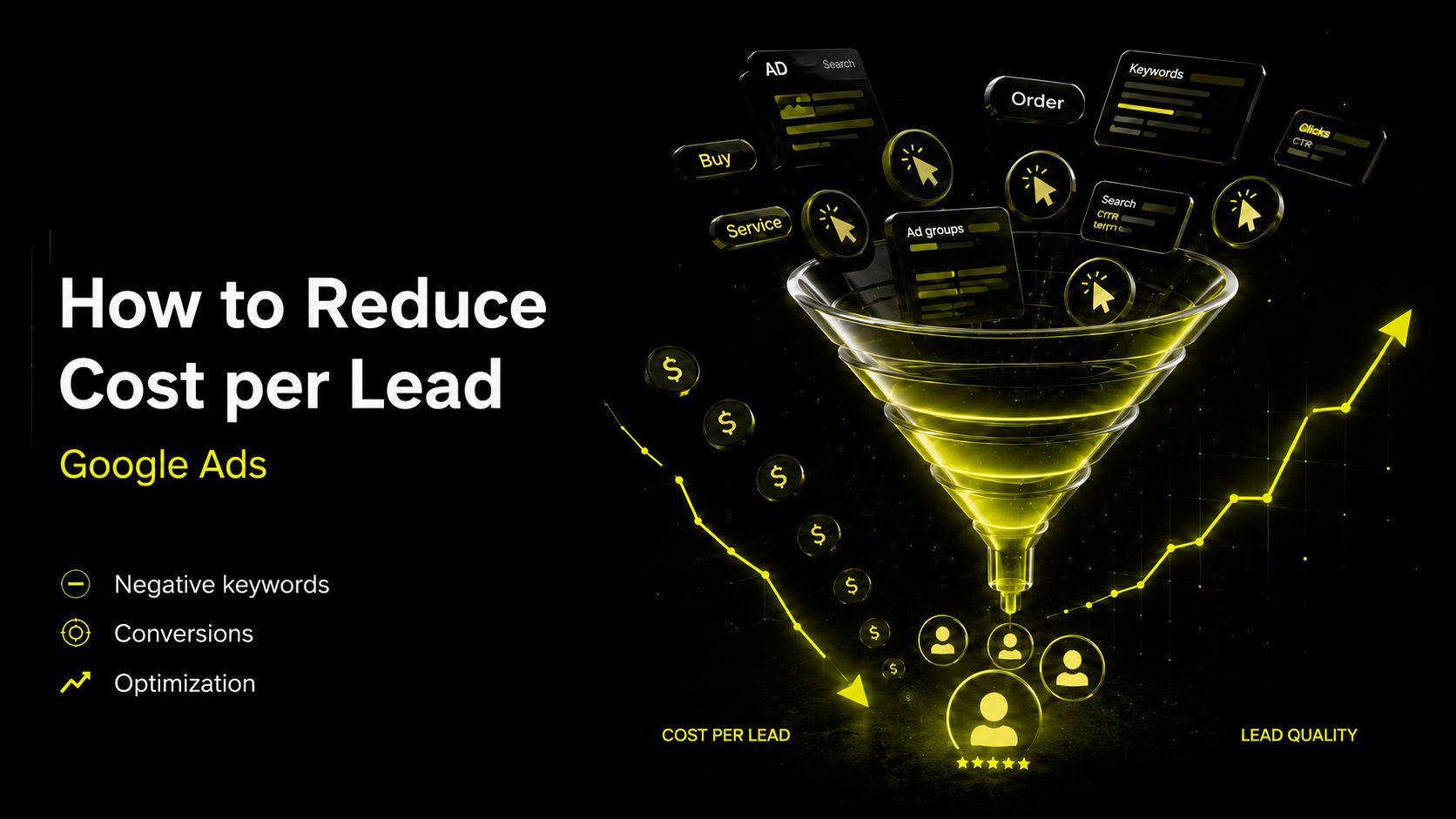
How to Reduce Lead Cost in Google Ads: 9 Proven Steps
июнь 11, 2026
•
8 minutes
Content
How to Reduce Lead Cost in Google Ads
What Is Lead Cost in Google Ads?
Why Google Ads Leads Become Expensive
Step 1. Check Analytics and Conversion Tracking
Step 2. Evaluate Lead Quality, Not Just Lead Volume
Step 3. Optimize Keywords and Negative Keywords
Step 4. Rebuild Campaign Structure
Step 5. Improve Ads and Offers
Step 6. Improve the Landing Page
Step 7. Adjust Bids and Budget Allocation
Step 8. Use Remarketing
Step 9. Optimize Campaigns Continuously
Common Mistakes That Increase Lead Costs
Which Metrics Matter Most?
How VUCA Digital Studio Helps Reduce Lead Costs in Google Ads
Conclusion
How to Reduce Lead Cost in Google Ads
A familiar situation: your Google Ads campaigns are running, the budget is being spent consistently, but there are few leads and each one costs too much. Naturally, the question arises — how can you reduce lead costs in Google Ads without sacrificing lead quality? The key thing to understand is that a high cost per lead is almost never random. It is usually the result of specific issues in analytics, campaign structure, keyword targeting, ad copy, or landing pages. The good news is that almost all of these issues can be fixed.
Reducing lead costs is not about adjusting a single bid — it is about improving an entire system. In this article, we will examine what determines Google Ads lead costs, why they increase, and which practical steps can help lower the cost per lead without hurting business performance. This guide will be useful for small and medium-sized business owners, marketers, and anyone who wants to make Google Ads more predictable and efficient.
What Is Lead Cost in Google Ads?
Lead cost in Google Ads is the price of a single conversion action: a form submission, phone call, booking request, purchase, messenger inquiry, or click-to-call interaction. The calculation is simple: divide your advertising spend by the number of leads generated. If a campaign spends $1,000 and produces 10 leads, the cost per lead is $100.
However, there is an important caveat. A cheap lead is not always a valuable lead. If someone submits a form but cannot afford your service, is not ready to buy, or clicked by mistake, that lead is essentially worthless. Therefore, the real goal is not simply to reduce lead costs but to reduce the cost of high-quality leads that have a genuine chance of becoming customers. Lead quality, not just lead volume, should be the primary objective of Google Ads optimization.
Why Google Ads Leads Become Expensive
In most cases, a high Google Ads lead cost results from several overlapping issues. Campaigns may optimize for the wrong actions because conversion tracking is configured incorrectly. Broad keywords may attract irrelevant traffic, while a lack of negative keywords allows budget to be wasted on searches that will never produce customers.
Add a weak offer, a slow or poorly optimized mobile landing page, irrelevant ads, and a single campaign covering all services, and lead costs begin to climb. The problem is often worsened by spreading the budget evenly across all campaigns regardless of performance and neglecting ongoing optimization. Fortunately, each of these issues can be addressed systematically.
Step 1. Check Analytics and Conversion Tracking
Reducing lead costs is impossible without accurate analytics because you will not know which campaigns generate leads and which waste budget. The basic setup includes Google Analytics 4 and Google Tag Manager with properly configured goals. Track all important actions: form submissions, calls, phone clicks, messenger clicks, bookings, and purchases.
One of the most common and expensive mistakes is incorrect conversion tracking. If every click or page view is counted as a conversion, Google’s algorithms learn from bad data and start attracting the wrong traffic. The first step in lowering lead costs is ensuring that actual leads are being tracked, not accidental interactions.
Step 2. Evaluate Lead Quality, Not Just Lead Volume
Once analytics are working correctly, the next step is evaluating lead quality. It is important to look not only at how many leads were generated but also at how many of them become customers. For a business, the most valuable lead is not the cheapest one but the one that fits the budget, has a real need, and is ready to buy.
CRM systems and end-to-end analytics are essential here. They show the complete customer journey, from ad click to closed deal and revenue. In many cases, campaigns with the lowest cost per lead generate poor-quality inquiries, while campaigns with higher lead costs produce customers with larger average order values. Without CRM integration, optimization becomes guesswork.
Step 3. Optimize Keywords and Negative Keywords
Keyword targeting directly affects lead costs. Different types of searches perform differently, so it is important to separate them into commercial, branded, competitor, and informational keywords. Informational searches often generate many clicks but few leads, so they should usually be limited in lead-generation campaigns.
A crucial ongoing task is analyzing actual search terms that trigger your ads. This report shows where your budget is really going. Irrelevant queries should be regularly added to your negative keyword list. Without this process, broad keywords attract random traffic, generate clicks without leads, and drive up lead costs.
Step 4. Rebuild Campaign Structure
A single campaign covering all services is a common reason for high lead costs. In such accounts, bids and budgets cannot be controlled effectively because services with different margins and demand levels compete for the same budget.
A more effective approach is to separate campaigns by service, location, language, keyword intent, funnel stage, and business priority. This makes it easier to identify profitable areas and allocate more budget to campaigns that generate the best results. Transparent account structure is one of the most overlooked ways to reduce lead costs.
Step 5. Improve Ads and Offers
Ads must closely match both the user’s search intent and the content of the landing page. If someone searches for a specific service but sees a vague ad, relevance decreases, click-through rates drop, and clicks become more expensive.
Headlines and descriptions should clearly communicate benefits, offers, calls to action, and responses to common objections such as timelines, guarantees, and pricing conditions.
There is no single perfect ad. Different headlines and descriptions should be continuously tested, measured by conversion rates and lead costs, and refined over time. This process gradually improves performance and lowers lead costs.
Step 6. Improve the Landing Page
Lead costs depend not only on Google Ads but also on the website itself. You can have perfectly configured campaigns, but if the landing page loads slowly, lacks trust elements, or fails to explain the offer clearly, conversion rates will remain low and leads will be expensive.
Key elements to review on your landing page:
• Loading speed — slow websites lose visitors before they even see the offer.
• Mobile experience — most traffic comes from smartphones.
• First screen visibility — users should understand your offer within seconds.
• Clarity of the offer and value proposition.
• Visible contact buttons and short, user-friendly forms.
• Reviews, case studies, and trust-building elements.
• Consistency between the landing page and the ad message.
• A simple path from arrival to conversion.
In many cases, small landing page improvements reduce lead costs more effectively than extensive bid adjustments.
Step 7. Adjust Bids and Budget Allocation
Lowering lead costs does not always mean lowering bids. Sometimes the correct decision is to increase investment in campaigns that generate quality leads and reduce spending on underperforming campaigns.
Blindly cutting bids can be dangerous because it may reduce access to the most valuable traffic and actually increase lead costs.
Test automated bidding strategies or adjust target CPA settings. Automated strategies perform best when they have enough accurate conversion data. That is why analytics and lead quality must be addressed first.
Step 8. Use Remarketing
Not everyone converts during their first visit, especially in industries with long decision-making cycles and high-ticket products or services. A visitor may explore your services, start filling out a form, and then leave.
Remarketing helps bring these users back by reminding them of your offer and encouraging them to convert. Since remarketing audiences already know your business, they usually convert at a higher rate and lower cost than cold traffic. Well-structured remarketing campaigns can significantly reduce overall lead costs.
Step 9. Optimize Campaigns Continuously
Google Ads is not something you can set up once and forget. Auctions, competitors, market demand, and user behavior change constantly. Optimization should be ongoing.
At least once every week or two, review search queries, lead costs, lead quality, landing page conversion rates, ad performance, and audience segments.
Pay special attention to devices, locations, and schedules. Often, a significant portion of the budget is spent on segments that generate few or no leads. Adjusting or excluding these segments can reduce lead costs without reducing lead volume.
Common Mistakes That Increase Lead Costs
The most common reasons lead costs become unnecessarily high include:
• Running campaigns without analytics or conversion tracking.
• Incorrect GA4 goals that do not track actual leads.
• Missing negative keywords and overly broad keyword matching.
• Weak landing pages that do not match ad intent.
• Evaluating performance based only on clicks rather than leads and sales.
• Pausing campaigns because of high CPC without considering lead quality.
• Spreading budget evenly instead of prioritizing performance.
• Failing to test ads and optimize campaigns regularly.
Fixing even half of these issues often leads to noticeable improvements within the first month.
Which Metrics Matter Most?
To determine whether lead costs have truly improved, do not focus on CPL alone. Evaluate performance holistically using:
• Lead quality.
• Lead-to-sale conversion rate.
• Average order value.
• Return on Ad Spend (ROAS).
• Customer Acquisition Cost (CAC).
• Percentage of leads that become customers.
Sometimes lead costs rise slightly while lead quality and close rates improve so much that overall profitability increases. That is why the goal should not be the lowest possible CPL but the highest number of profitable customers at a sustainable acquisition cost.
How VUCA Digital Studio Helps Reduce Lead Costs in Google Ads
At VUCA Digital Studio, we approach Google Ads as a performance marketing system rather than a collection of isolated settings. Our process begins with a comprehensive audit: reviewing analytics, conversion tracking, landing pages, campaign structure, keyword targeting, ad copy, bids, and budget allocation.
This allows us to identify exactly where money is being wasted and why lead costs are too high.
We then rebuild campaign structures, refine keyword targeting and negative keywords, test ads and offers, implement remarketing, and configure bidding strategies focused on high-quality conversions. Our goal is not simply to reduce CPL but to increase the number of qualified leads while making advertising predictable and scalable.
Conclusion
A high lead cost in Google Ads is not a random occurrence or a permanent problem. It is usually a sign of weaknesses in analytics, campaign structure, keyword targeting, ad messaging, or landing pages. Systematically addressing these areas almost always produces results: lower lead costs, better lead quality, and advertising budgets that drive sales rather than simply generate clicks.
If your Google Ads campaigns are spending budget without delivering the results you need, start with an audit. The specialists at VUCA Digital Studio can audit your campaigns or manage them for you, identify the reasons behind high lead costs, and help you generate more qualified leads. Contact us to discuss Google Ads setup, audits, or ongoing campaign management and make your advertising truly effective.

Dima Karchmit
Full stack developer
Recent posts