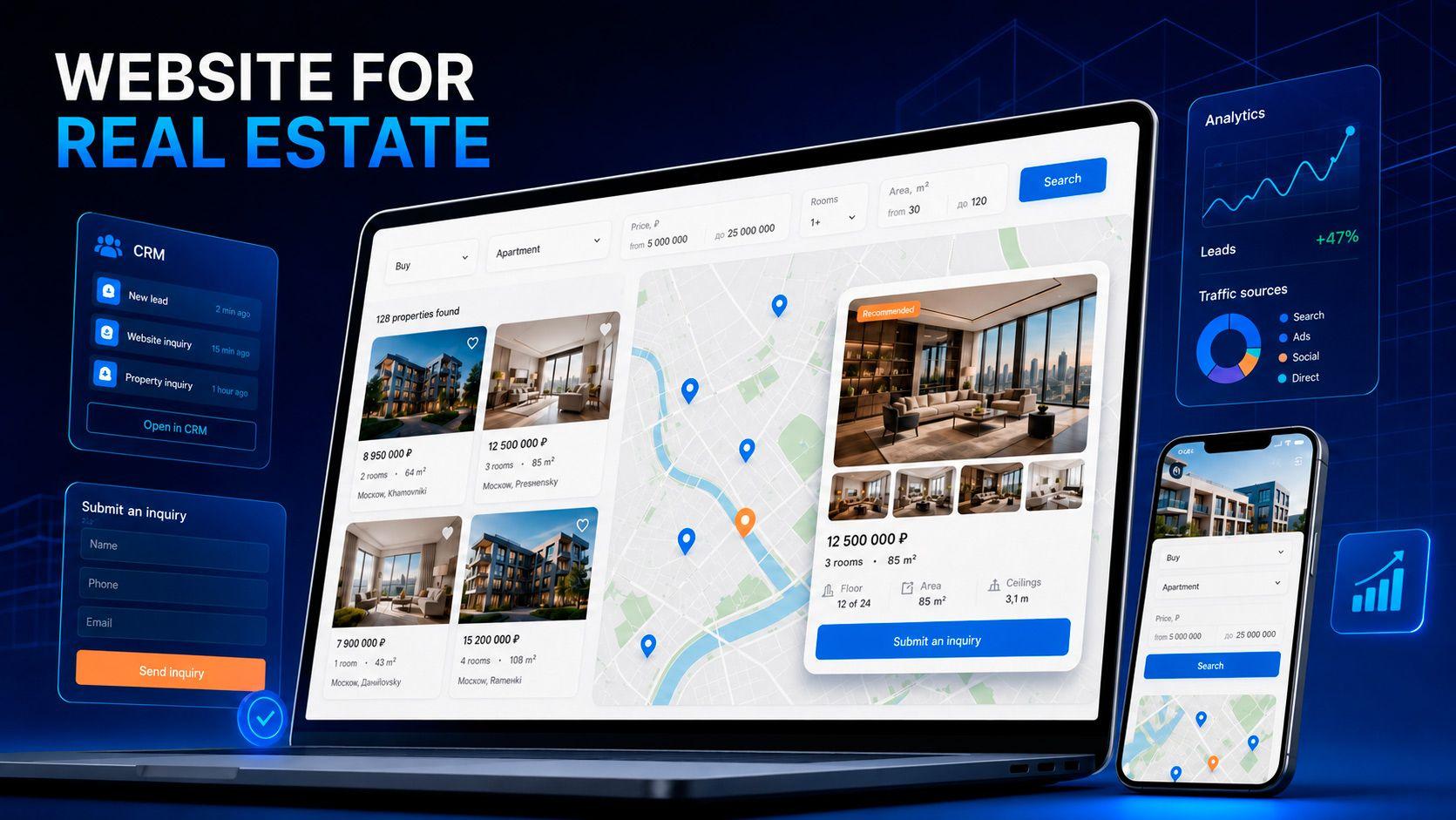
Checklist for creating an online store: from development to launch
ноябрь 12, 2024
•
7 minutes

Content
Introduction
Launching an online store is a complex, multi-stage process that requires careful preparation and planning. In this article, we present a checklist that will help you go through all the stages of creating a successful online store, from the initial idea to the launch.
1. Market research
Before starting development, it is important to conduct market research. Determine which products will be in demand by analyzing consumer interest and current trends. Study competitors to identify their strengths and weaknesses. Define your target audience by understanding who is interested in your product and what problems or needs they want to solve with it.
Example: if you plan to sell sportswear, analyze which types of clothing (for example, fitness, yoga, running) are most popular in your region and how competitors attract customers.
2. Defining the business model
Choose a business model that best fits your goals and resources. For example, you can sell products retail, wholesale, or use dropshipping. The chosen model will determine many aspects of your business, including logistics costs and inventory requirements.
Example: the dropshipping model minimizes warehousing and logistics costs since products are shipped directly from the supplier. However, if your store sells exclusive products in limited quantities, a retail model with your own warehouse may be a better choice.
3. Choosing an eCommerce platform
Select a platform that matches your needs and budget. Consider options such as Shopify (for quick and easy setup), WooCommerce (ideal for WordPress-based websites), or Magento (suitable for large projects). Make sure the platform supports all required features—from product management to payment system integration.
Example: if you are launching a store with a small catalog and simple needs, Shopify can be a great solution due to its intuitive interface. If you plan a more complex store with many categories and advanced analytics, consider Magento or WooCommerce.
4. Website design and development
Create the site structure and plan user-friendly navigation. Pay attention to the design—it should be visually appealing and mobile-friendly. Think about which pages and sections are required: homepage, product categories, product pages, cart, reviews, and contact information.
Example: for stores with a large assortment, it is useful to add filters by category, price, popularity, and other attributes so users can quickly find the products they need.
5. Payment system setup
Choose convenient and secure payment systems. Popular options include PayPal, Stripe, Apple Pay, Google Pay, as well as bank cards and digital wallets. Check whether the chosen platform supports the required payment methods and what transaction fees apply.
Example: if you plan to sell internationally, make sure the payment system supports international transactions and multiple currencies to simplify purchases for foreign customers.
6. Product upload and content management
Fill the catalog with products, including names, descriptions, specifications, prices, and images. High-quality photos and detailed descriptions help customers better understand what they are buying and improve their overall experience.
Example: create unique descriptions for each product to attract customers and support SEO. Instead of standard supplier images, use high-quality photos that show products from different angles and in real-life use.
7. Website testing
Before launching the store, be sure to conduct thorough testing. Make sure the site loads quickly, pages open correctly, and navigation is intuitive. Test the cart, payment systems, filters, and other functionality. Ensure the site displays correctly on all devices, including smartphones and tablets.
Example: involve a small group of testers to evaluate usability and fix any issues before the official launch.
8. Launch and marketing
After completing all preparation stages, launch your online store and start marketing campaigns to attract your first customers. Use various promotion channels: social media, email marketing, paid advertising, SEO optimization, and blogging.
Example: announce the launch on social media, offer discounts to first customers, and run targeted ads to reach a wider potential audience.
Conclusion
By following this checklist, you can successfully launch an online store and ensure its effectiveness in the competitive eCommerce environment. Careful preparation at every stage—from market research to launch and promotion—will help you attract customers, meet their needs, and build a profitable business.
Keywords: online store launch, eCommerce checklist, market research, eCommerce platform selection, online store business model, eCommerce website design, payment system setup, product management, pre-launch website testing, eCommerce marketing, online store promotion, eCommerce SEO, eCommerce content.

Dima Karchmit
Full stack developer
Recent posts